By
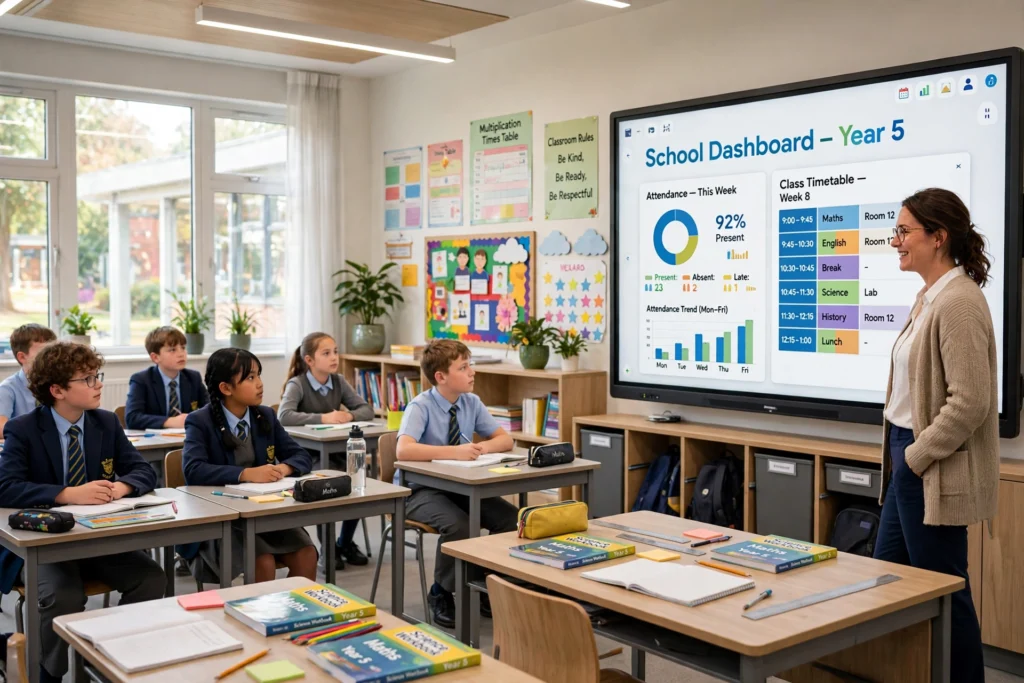
Talaxy is a school management and communication platform built by TASC Software, a company based in the United Kingdom. It gives a school one online home for the jobs that usually scatter across paper registers, spreadsheets, printed letters and half a dozen separate apps that never talk to each other.
A headteacher wants attendance figures without chasing forms around the building. A teacher wants homework set and behaviour logged in the same place. A parent wants to know, before the school run, whether a detention, a trip letter or a parents’ evening slot needs attention. The platform answers all three from a single login, in an ordinary web browser, and that simple promise explains most of its appeal.
What Talaxy Brings Together
The system is modular. A school does not buy one fixed package and swallow features it will never touch. Instead it picks the tools it needs — registration, homework, conduct, reporting and more — and can add further modules later as habits change. A small primary school and a large secondary academy can both run it, shaped very differently underneath, and a multi-school trust can roll it out site by site rather than in one risky leap.
Because everything sits in one database, information entered once is visible everywhere it belongs. Mark a pupil absent in registration and the office, the form tutor and the parent account all see the same fact at the same moment. That single-version-of-the-truth design is the real product; the individual screens are just where people meet it.
The joined-up records also change what leaders can see. Attendance and behaviour stop being a pile of separate class lists and become patterns across a year group, a term or the whole school. A head of year can spot the pupil whose punctuality slips every Friday, or the class whose homework completion dipped after half term, while there is still time to act on it.
The Parent Portal: What Families Actually See
For most families, Talaxy is the parent portal their school hands them at the start of term, and it is the part of the system they will judge everything else by.
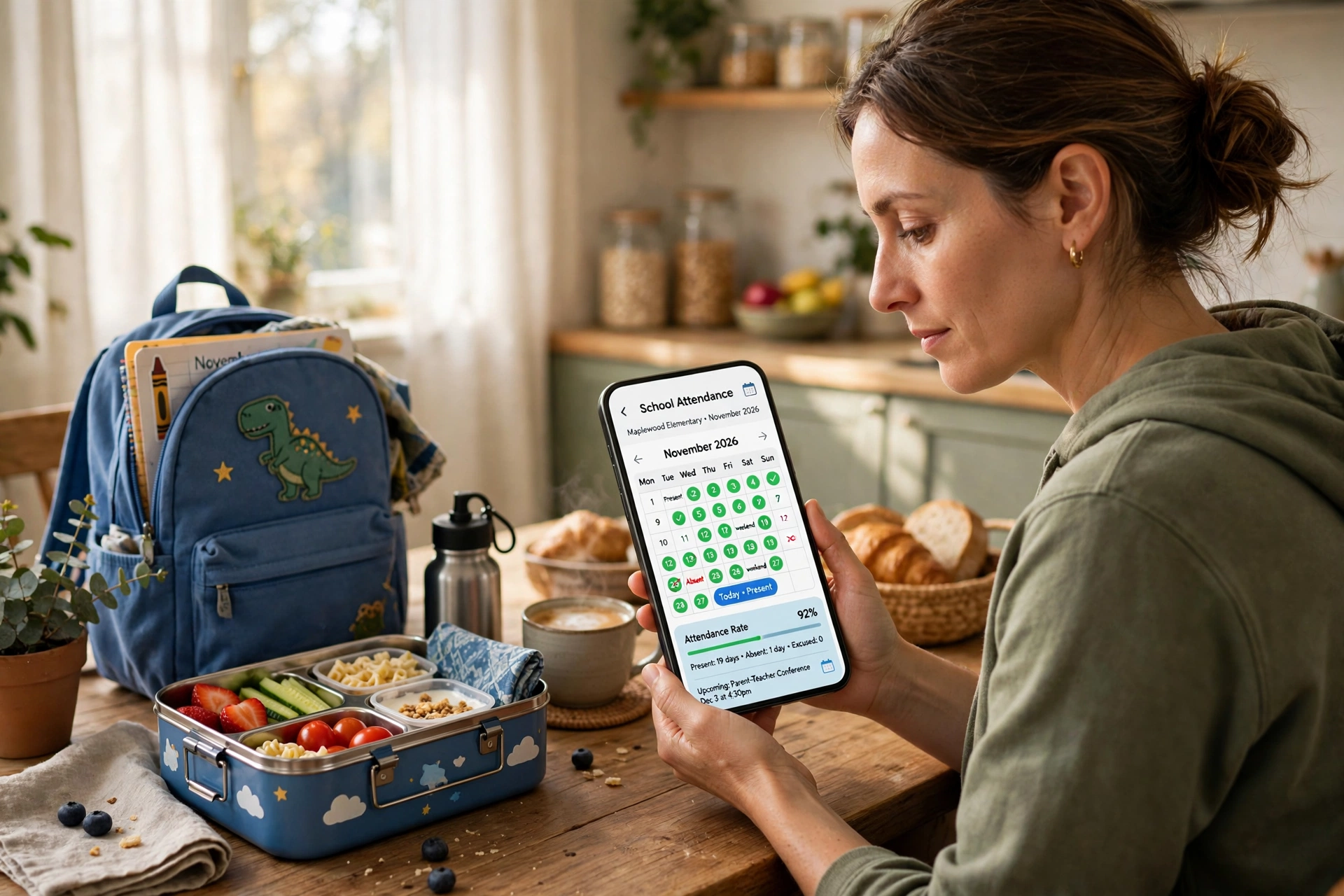
Inside, a parent or carer can check attendance and punctuality, read behaviour notes and detentions, see the timetable, follow the homework that has been set, and open school reports and report cards. Messages from teachers arrive in the same place. Contact details can be updated without a phone call to the office, an absence can be reported before registration instead of explained after it, and parents’ evening appointments can be booked slot by slot rather than through a paper slip that may never make it home.
There is no app to hunt down in a store. The portal runs as a web app, so it opens on a computer, a tablet or a phone, and it can be saved to a home screen so it behaves like an app once it is there. For families sharing one device, or making do with an older phone and a patchy data plan, that low-friction access matters more than any feature list a salesperson can recite.
Tools for Teachers and the School Office
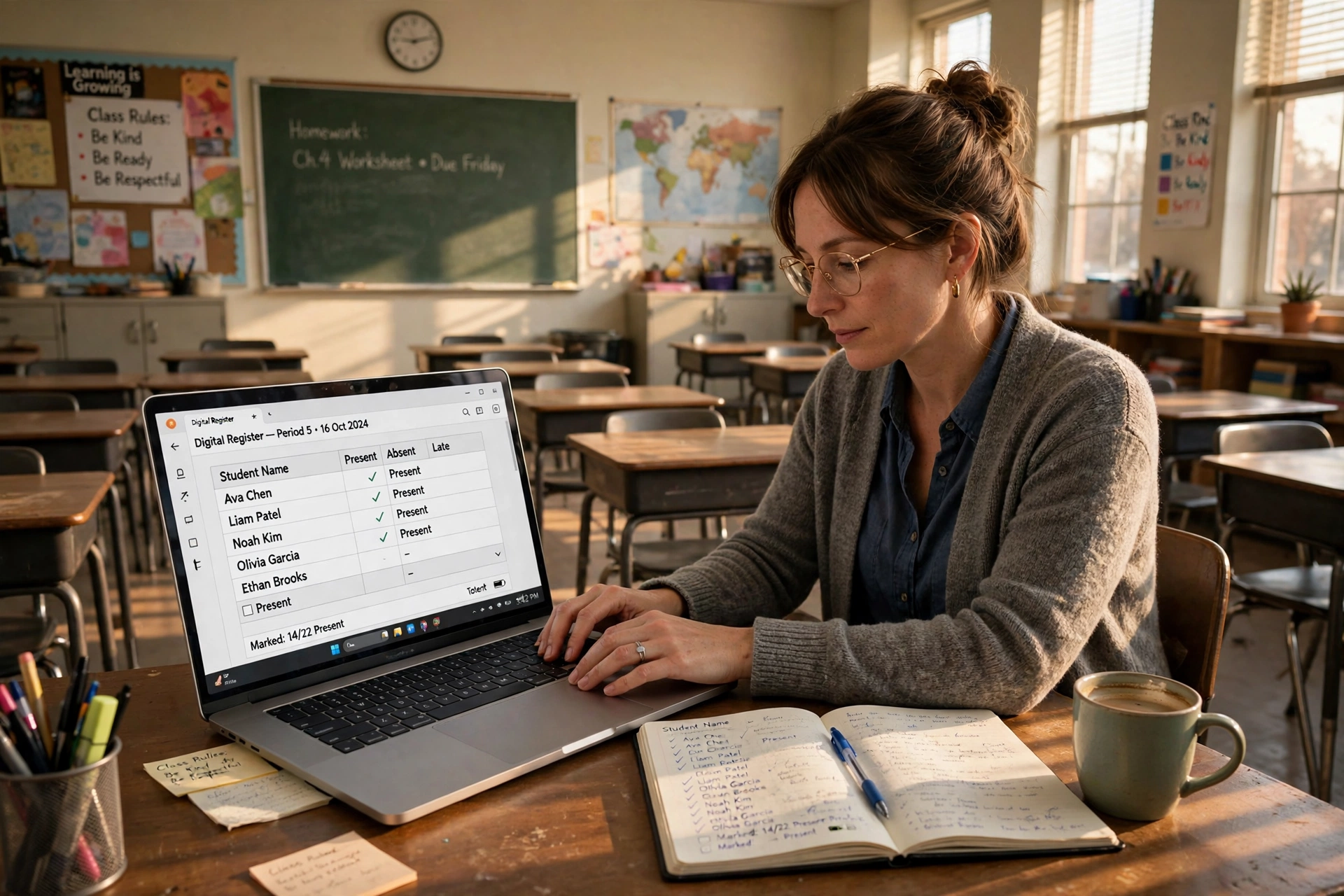
Staff see a deeper set of tools. A teacher can take the register in Talaxy at the start of a lesson, build a seating plan, record behaviour and achievements against the school’s own conduct system, set homework, and work with grades and assessment marks as the term goes on. Lesson planning, education plans for individual pupils and report writing sit in the same workspace, so the end-of-term report is assembled from records that already exist rather than typed up from memory the night before it is due.
The office side covers the machinery of a school day: staff cover when someone phones in sick, room and resource booking, document management, forms, a notice board, fire and evacuation lists drawn from live registers, and payments. Email and SMS messaging run through the platform as well, which keeps a record of what was sent to whom — quietly useful on the day a message is later disputed.
None of this is glamorous, and that is rather the point. School administration fails in small, boring ways: a register not returned, a letter not sent, a phone number out of date. Software that removes those small failures, hundreds of times a week, changes how a school feels to work in far more than one dramatic feature ever could.
How It Fits With the School’s Existing System
Most schools already run a management information system, often called an MIS — SIMS, Arbor and Bromcom are the common names in the UK. Talaxy is built to work alongside that system rather than demand a risky rip-and-replace, sharing the core pupil data while adding the communication and classroom layer on top. Smaller settings, alternative provision, special schools and clubs can also run it on its own, without a separate MIS underneath.
That positioning explains its steady growth. Schools rarely have the appetite for one giant migration in the middle of a school year. A platform that plugs into what they already trust, then quietly takes over the daily communication work, is a far easier decision for a leadership team to sign off. Independent directories such as EdTech Impact list the available modules and published school pricing, which makes early comparisons straightforward for a business manager drawing up a shortlist.
Getting Started as a Parent
Parents do not sign up on their own. Your school sends an activation link once your child is on roll, and you set your own password from it. After that, you sign in through your school’s own portal address — it usually looks like yourschool.talaxy.app — or through the link on the school website.
Two habits make it genuinely useful rather than one more login to forget. First, save the portal to your phone’s home screen on day one, so checking it takes a single tap. Second, keep your mobile number and email current inside your account, and use the message alerts your school offers. The school can only reach the details you leave there, and most “we never heard about it” stories end at an old phone number nobody updated.
If something looks wrong — an absence mark you do not recognise, a detention with no explanation — message the school through the portal itself rather than a separate email. The query then sits next to the record it refers to, and the member of staff who picks it up can see exactly what you are looking at.
Strengths, and the Honest Limits
The strengths are practical ones. Records stay consistent because they are entered once. Parents stop relying on letters folded into blazer pockets. Staff spend less of the day re-typing the same information into different systems, and safeguarding-relevant facts — who is in the building, who collected a child, which message was sent — sit in one auditable place.
The honest limit of Talaxy is that your experience depends on your school. A family only sees the modules the school has switched on, and only the information the school chooses to publish. Two parents at different schools can describe quite different products under the same name, and both are telling the truth. It is also a school operations tool, not a learning platform for children to study from at home: homework is set and tracked there, but the teaching content itself lives elsewhere.
Who Talaxy Suits Best
It suits schools that feel the friction of scattered systems: registers in one place, behaviour in another, parent messages in a third. It suits parents who want the school’s facts — attendance, conduct, homework, reports — in one calm dashboard rather than across emails, texts and paper. And it suits leadership teams that want those facts joined up before an inspection, a governors’ meeting or a difficult conversation with a family.
For schools comparing options, Talaxy earns its place on the shortlist by doing the unglamorous work well: one login, one record, and a parent portal families actually open. Readers comparing school and workplace software can browse more of our Technology coverage, and teachers building their own digital skills may enjoy our look at Amcoder, a very different kind of training platform.